
Why your printer stopped extruding, and how to fix it
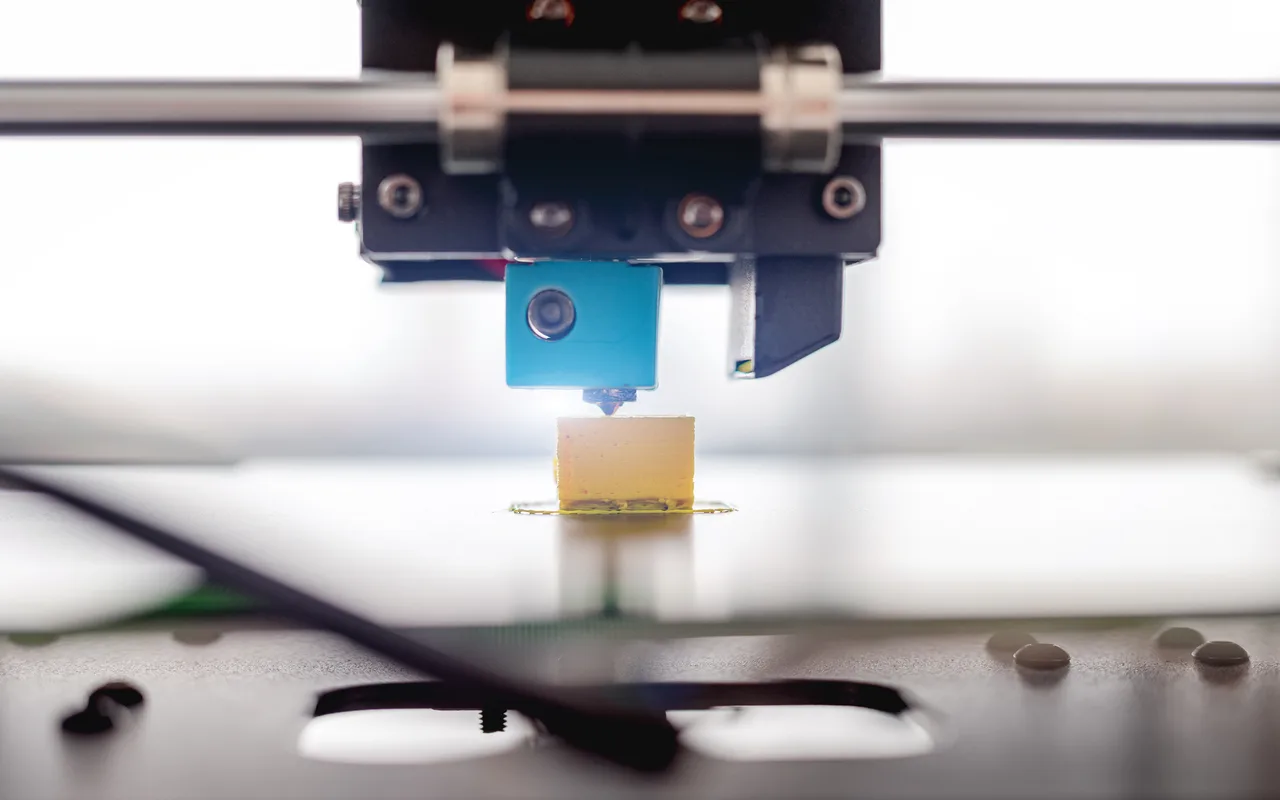
A printer that stops laying plastic mid-print has one of three problems: a partial clog, a full clog, or heat creep. They look similar and are fixed differently.
Telling them apart
- Partial clog: thin, patchy lines. Some plastic comes out, just not enough. Extruder may click occasionally.
- Full clog: nothing comes out at all, the extruder gear grinds a flat spot into the filament.
- Heat creep: prints fine for twenty minutes or an hour, then stops. This is the giveaway. Heat has crawled up the heat break and softened filament above the melt zone, where it swells and jams.
Fixing a partial clog: the cold pull
- Heat the nozzle to printing temperature and push filament through by hand.
- Drop the temperature to around 90 degrees Celsius for PLA, keeping gentle pressure on the filament.
- When it reaches temperature, pull firmly and steadily. The filament should come out with a moulded tip showing the inside of the nozzle.
- Look at the tip. Burnt flecks or a ragged shape mean debris came with it. Repeat until the tip pulls clean.
Fixing a full clog
Heat the hotend, remove the filament, and push a cleaning needle up through the nozzle from below. If that does nothing, remove the nozzle while hot, using a wrench and heat-safe gloves, and either clean it with a torch and needle or replace it. Nozzles are cheap. Your evening is not.
Fixing heat creep
This is a cooling problem, not a nozzle problem.
- Check the hotend cooling fan actually spins and is not blocked by dust or stray filament.
- Make sure the heat break has good contact and thermal paste if your machine uses it.
- Lower the printing temperature slightly if you are at the top of the range for the material.
- Check ambient temperature. An enclosure that is too hot for PLA causes heat creep.
- Retraction set too long pulls molten plastic up into the cool zone, where it swells. Shorten it.
When to just replace the nozzle
Brass nozzles wear out, faster if you print glitter, glow in the dark, wood filled or carbon fibre filament, which are abrasive. A worn nozzle gets a wider hole and prints fat, sloppy lines that no setting fixes. If quality has been slowly declining for weeks, replace the nozzle before you change anything else.
Preventing all three
- Dry filament, stored sealed
- Do not mix materials at wildly different temperatures without purging properly
- Keep the cooling fan clean
- Cold pull every few weeks as maintenance rather than as an emergency
- Use a hardened nozzle for abrasive filaments
Most clogs are preventable. The two habits that matter are dry filament and a clean cooling fan.