
How to choose your first 3D printer
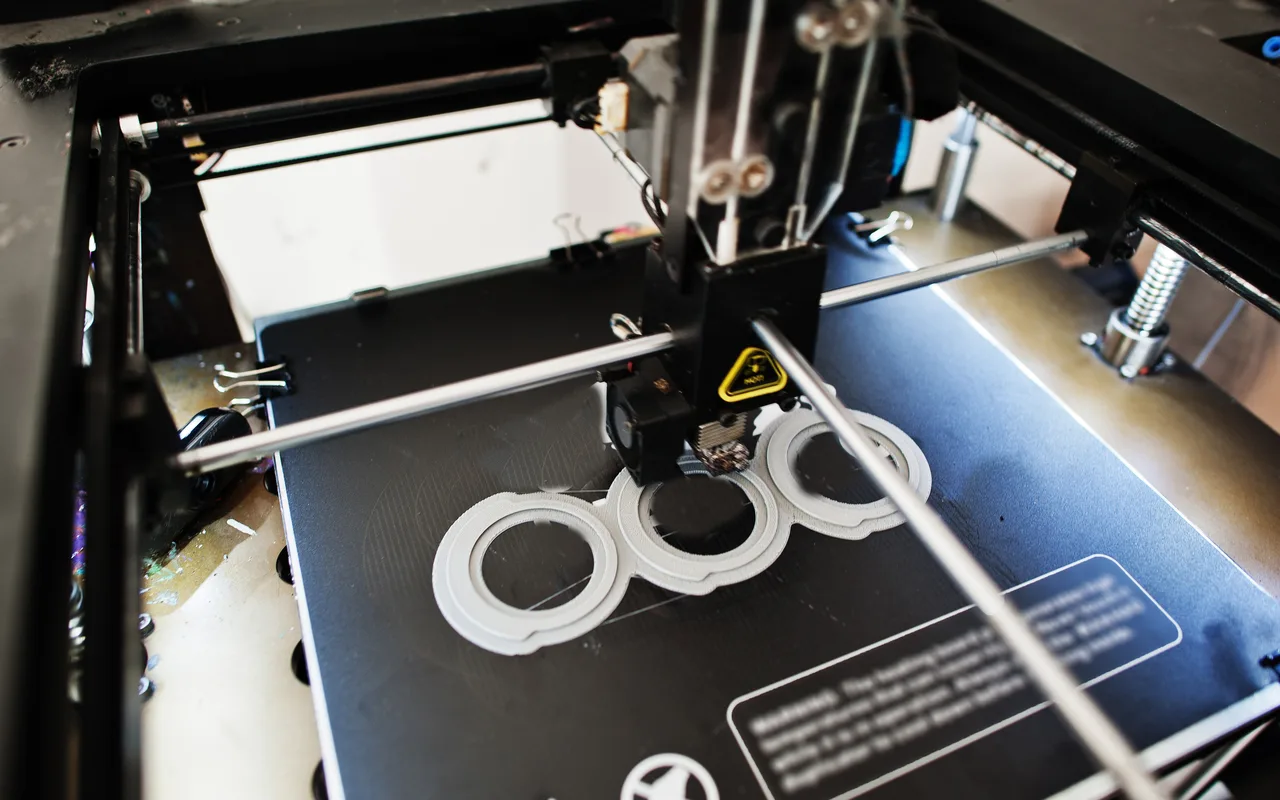
Most first-printer advice is written by people who already own four of them. Here is the short version from someone who researched it once, bought one machine, and has printed on it nearly every day since.
Start with what you want to make
Toys, fidgets and desk objects need a printer that handles PLA and PETG well and produces a clean surface. Functional parts that live outdoors or in a hot car need a printer that can run hotter materials, which usually means an enclosure. Big cosplay props need build volume. Almost nobody needs all three at once, and paying for all three is how people spend twice what they needed to.
Bed slinger or CoreXY
A bed slinger moves the print bed forward and back while the head moves side to side. They are cheaper, simpler and easier to fix. A CoreXY keeps the bed still and moves the head in both directions, which allows faster printing with less wobble on tall parts. For a first machine, a good bed slinger prints beautifully. Speed matters more once you are printing to sell.
Open or enclosed
An enclosure holds heat in, which matters for materials that warp, like ABS and ASA. It also keeps fumes and noise contained, which matters if the printer lives in a bedroom or an office. If you plan to print PLA and PETG only, open frame is fine and cheaper.
Multi-colour systems
Automatic material systems let a printer swap between several spools in one print. They are genuinely fun and they make two-colour name signs easy. Two honest caveats: every filament change purges a little plastic, so multi-colour prints waste more material, and they add another thing that can jam. Useful, not essential.
Build volume
A 220 x 220 x 250 mm bed covers the vast majority of what people actually print. Bigger parts can be printed in sections and joined. Do not pay for volume you will use twice a year.
The features that quietly matter most
- Automatic bed levelling. The single biggest cause of failed prints is a bad first layer. Machines that measure the bed themselves remove most of that pain.
- A direct drive extruder handles flexible filament far better than a Bowden setup.
- A heated bed that actually holds temperature across the whole surface, not just the middle.
- Spare parts you can buy. Nozzles and belts wear out. A machine with a healthy parts supply lasts years.
- An active community. When something goes wrong, you want thousands of people who have already solved it.
What it costs to run
Filament is roughly $18 to $25 per kilogram for good PLA. A fidget toy uses maybe 20 to 40 grams, so material cost per print is often under a dollar. Electricity is minor. The real costs are nozzles, the occasional build plate, and the prints that fail while you are learning.
What we use and why
We print on a Bambu Lab machine. It was chosen after actually comparing options, mostly for the first-layer scanning, the print monitoring and the reliability. Reliability is the feature that matters when someone has paid for an order and expects it on time. We are not affiliated with Bambu Lab, we just use their printers and filament.
The honest summary
Buy a well-supported machine in the middle of the market, print PLA until you are good at it, and add materials as you need them. The printer matters less than the hours you put on it.